Budget Tracker Documentation
Connecting Google Ad Accounts
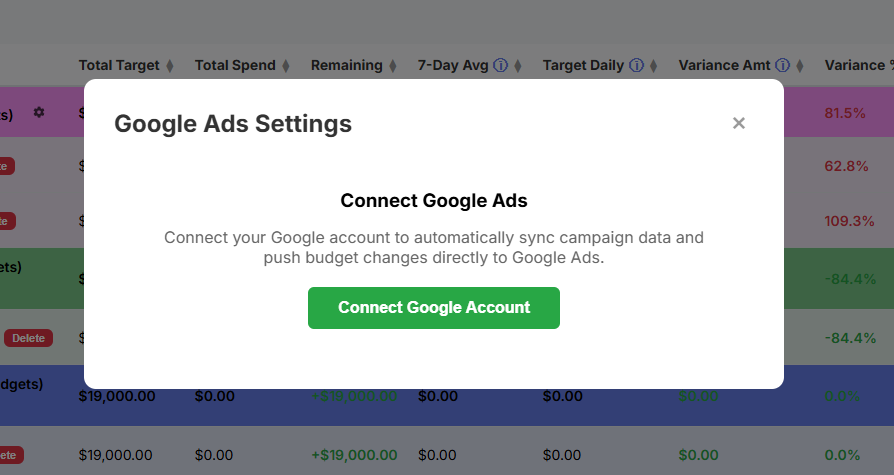
At this time, the budget tracker can only link to a single Google user account. Any Google Ad accounts that user has access to can be synced with the budget tracker, including any accessible via an MCC account.
Click on the Connect button at the top of the main dashboard to connect your Google User account, then click Connect Google Account. You will then be redirected to a Google User sign in page to log into your account. After logging into your account, you will be asked to approve several types of permission so that the tracker can access your Google Ad Account(s). Click accept and you will automatically be redirected back to the budget tracker main dashboard.